NAVIGATION
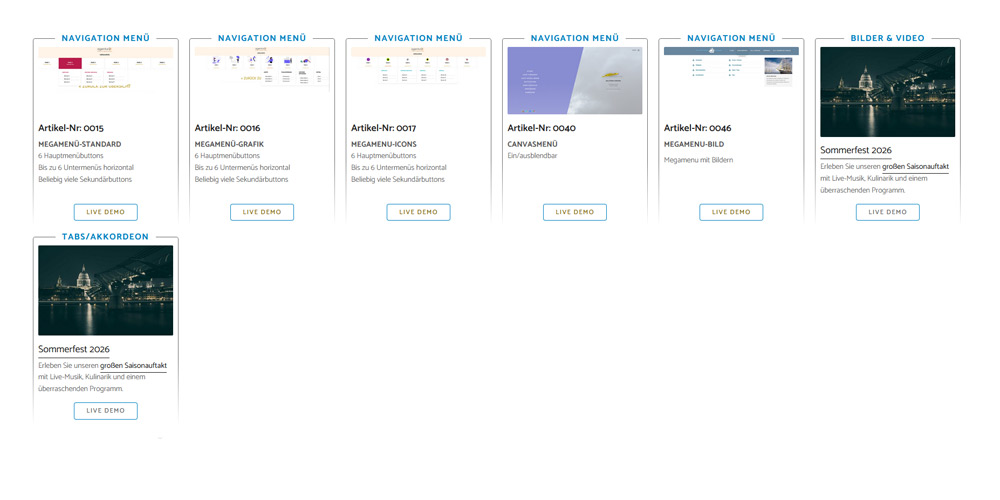
Artikel-Nr: 0015
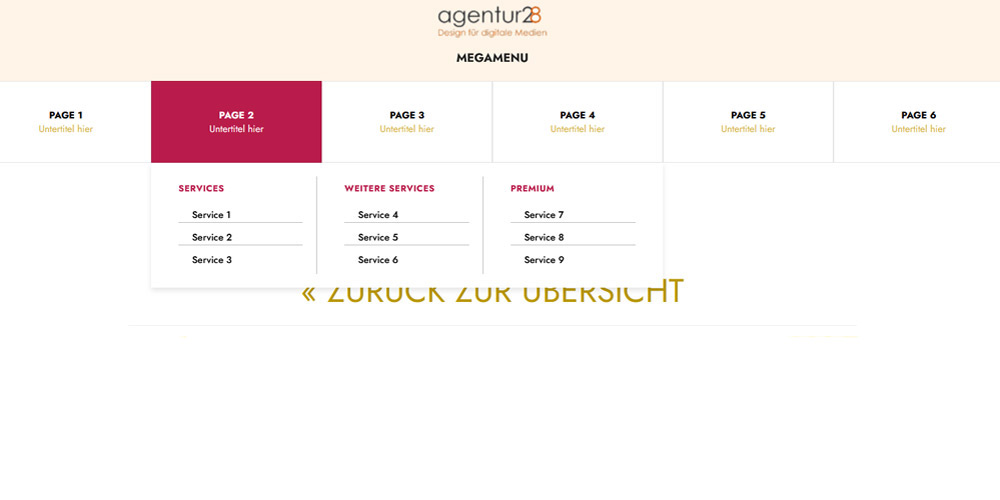
MEGAMENÜ-STANDARD
6 Hauptmenübuttons
Bis zu 6 Untermenüs horizontal
Beliebig viele Sekundärbuttons
MEGAMENÜ-STANDARD
6 Hauptmenübuttons
Bis zu 6 Untermenüs horizontal
Beliebig viele Sekundärbuttons
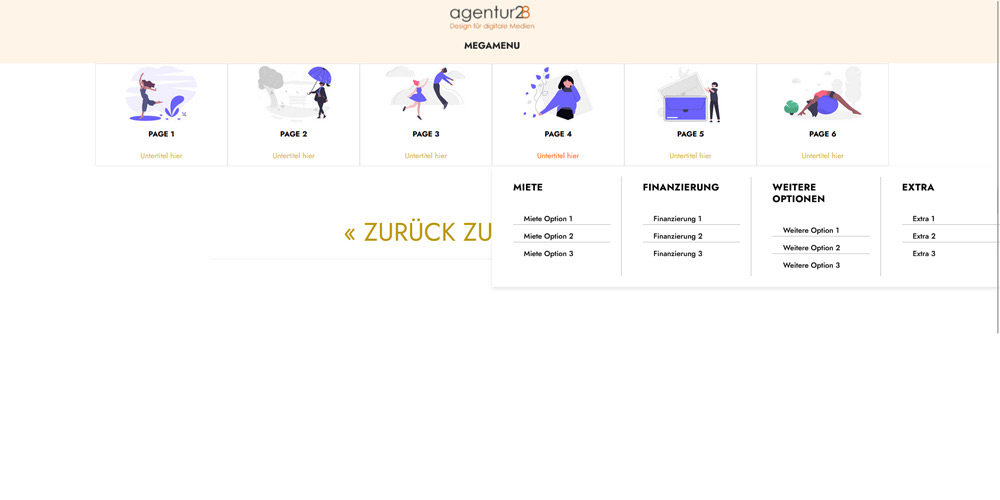
MEGAMENÜ-GRAFIK
6 Hauptmenübuttons
Bis zu 6 Untermenüs horizontal
Beliebig viele Sekundärbuttons
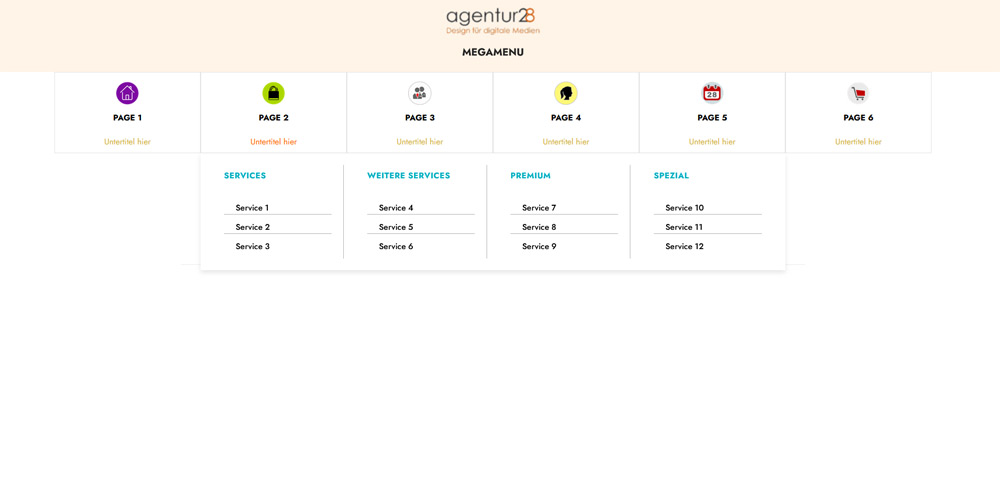
MEGAMENU-ICONS
6 Hauptmenübuttons
Bis zu 6 Untermenüs horizontal
Beliebig viele Sekundärbuttons
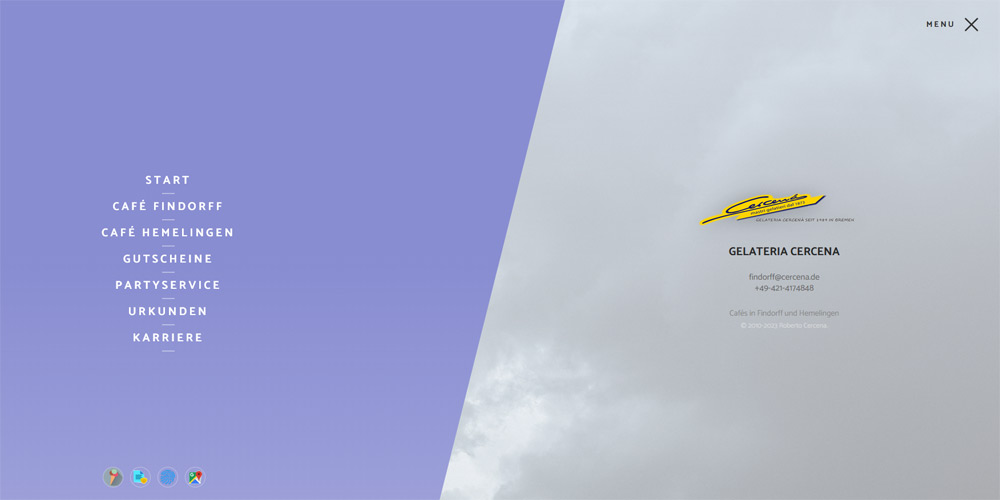
CANVASMENÜ
Ein/ausblendbar
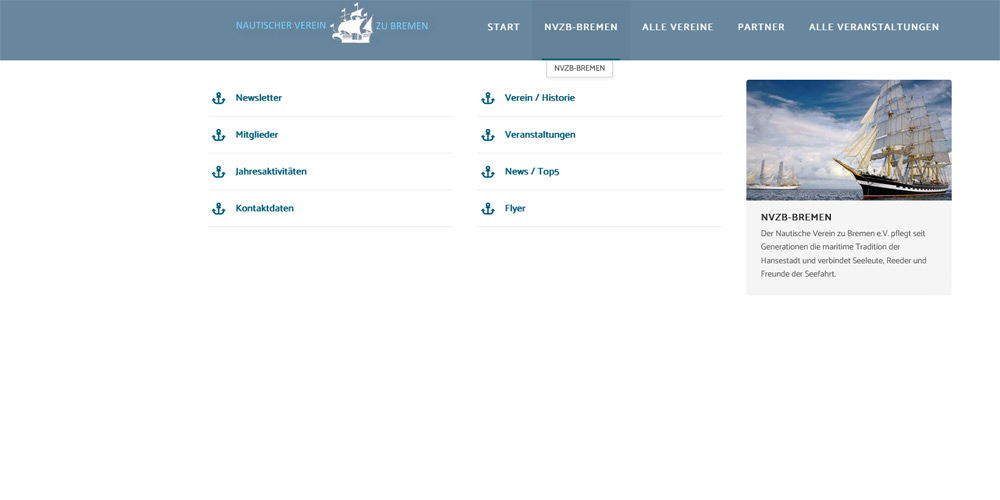
MEGAMENU-BILD
Megamenu mit Bildern
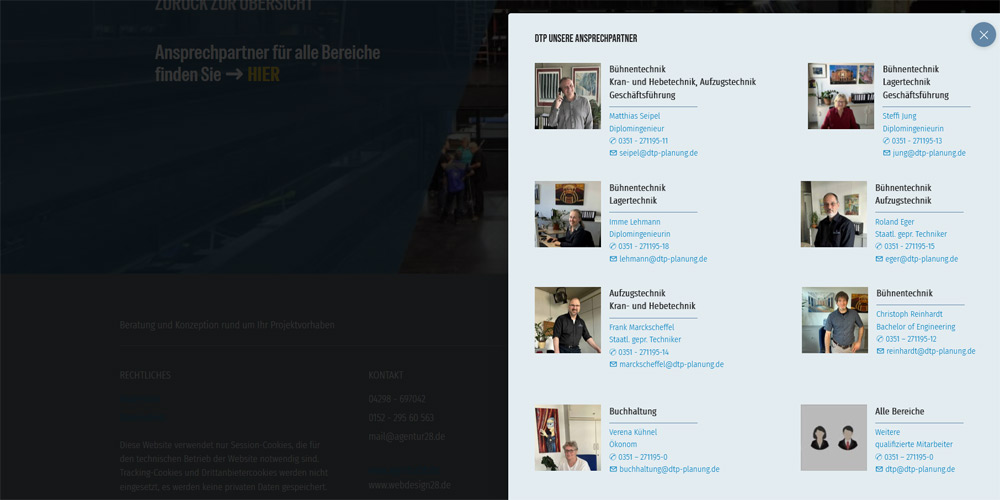
FLYOUT KLICKFUNKTION
Erscheint mit Link-Klick
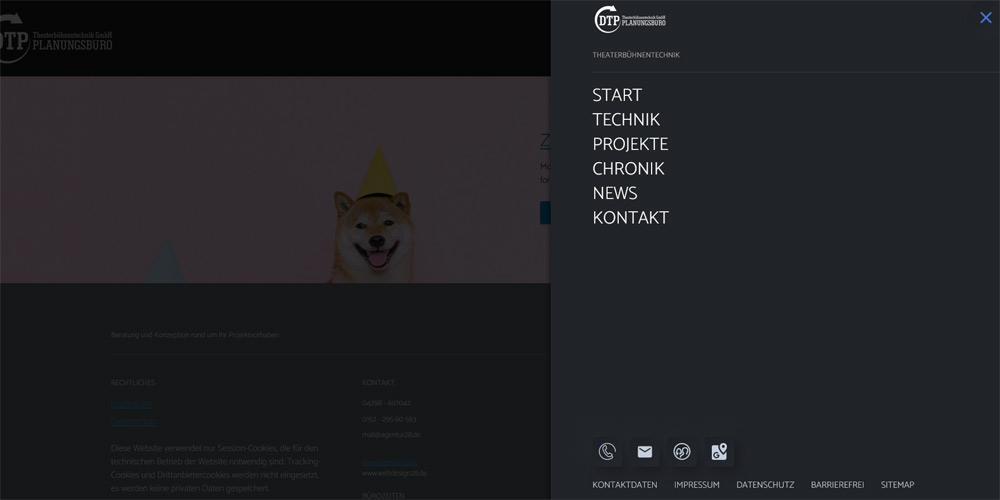
CANVAS-MENÜ
Einblendung rechts
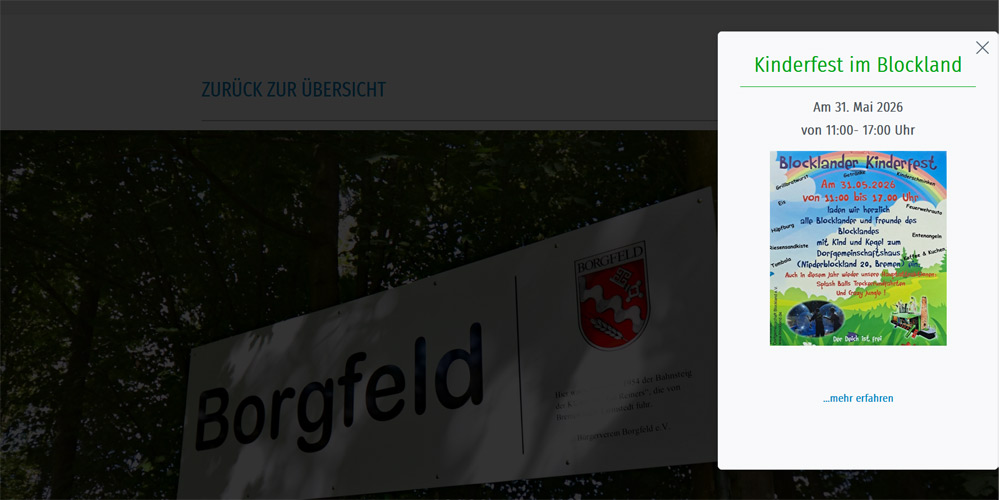
FLYOUT ZEITGESTEUERT
Auswählbares Startdatum
Auswählbares Löschdatum
INFOBLÖCKE
Auch mit Sortierfunktion
Unbegrenzte Anzahl
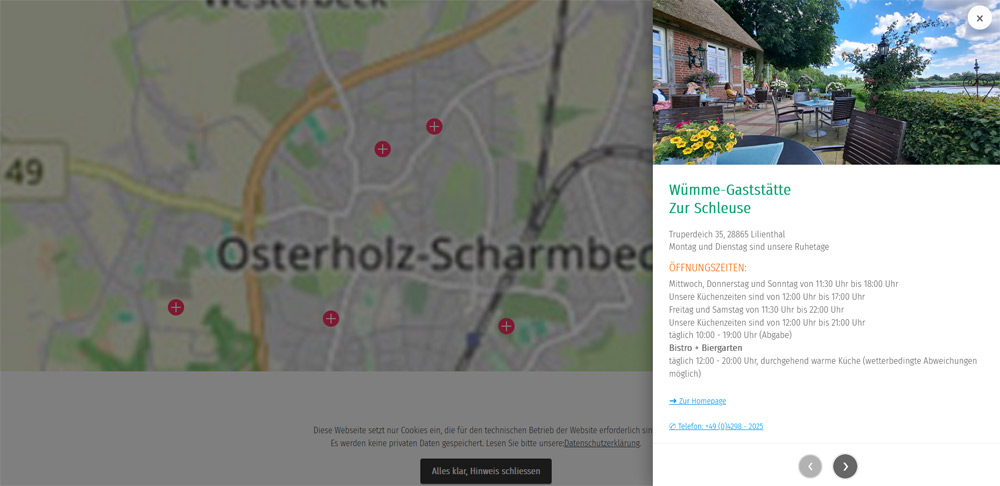
HOTSPOT
Einblendung von Bild/Textinfos als PopUp
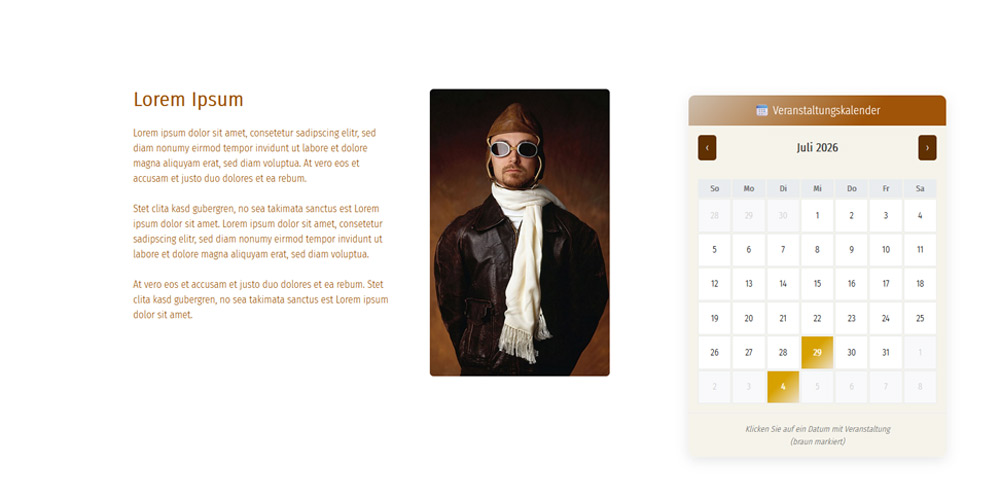
KALENDER
Jahreskalender
Aktuelle Info wird als HEUTE eingeblendet
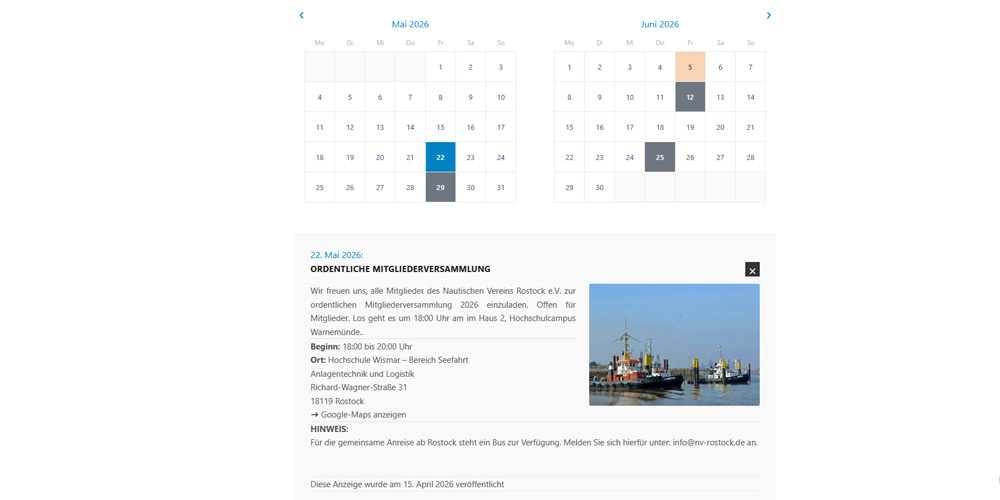
KALENDER
2 Monate werden angezeigt
Infos werden mit Klick eingeblendet
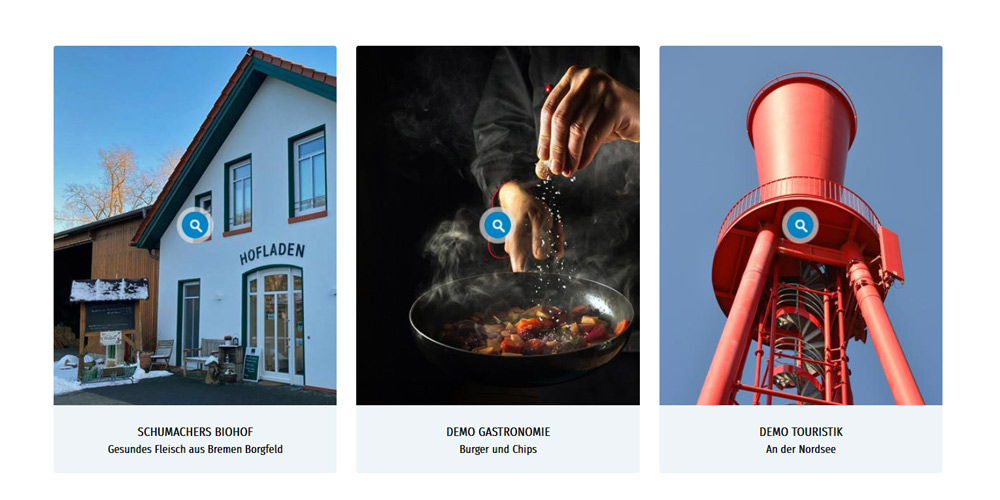
GALERIE mit LIGHTBOX
Mit Klick werden bebilderte Inhalte
eingeblendet (POPUPFENSTER)
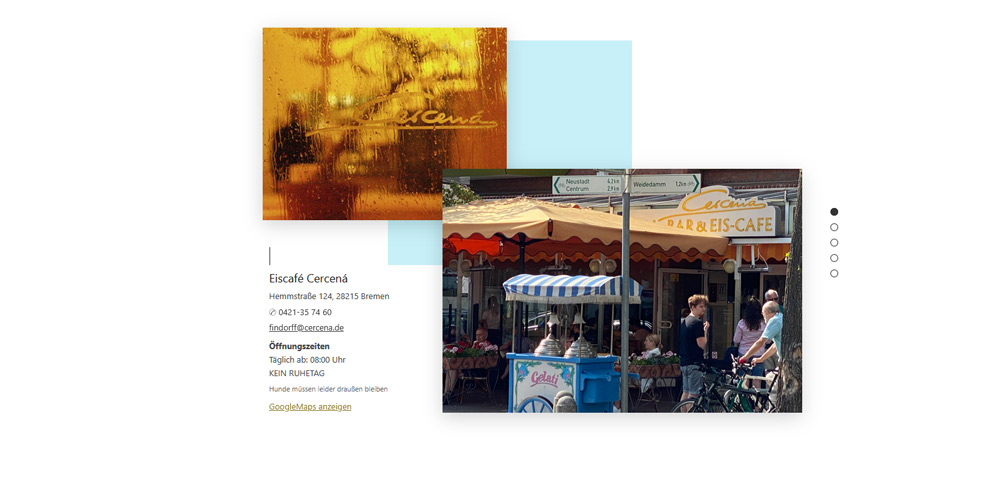
SLIDER-VERTIKAL
Die Steuerung erfolgt vertikal
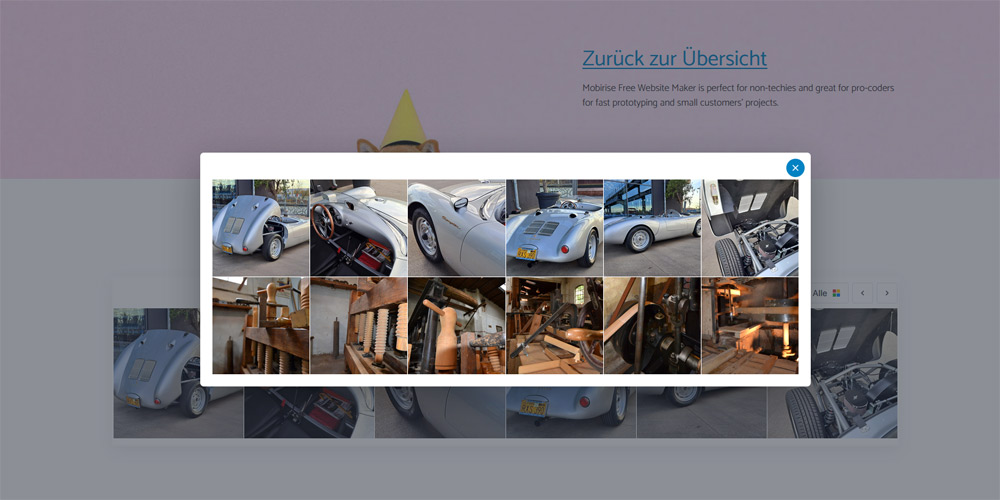
LIGHTBOX-GALERIE
Start mit einer horizontalen Reihe, 6 Bilder
Weitere Reihen können dazu geschaltet werden, eben so alles anzeigen
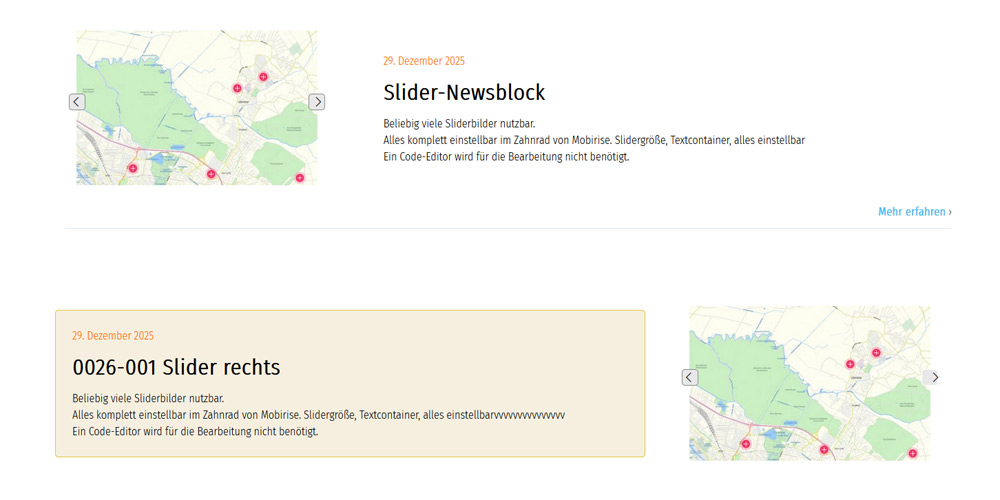
SLIDER-KLEIN
Der kleine Slider, mit kleinen Bildern
eignet sich gut für NEWS
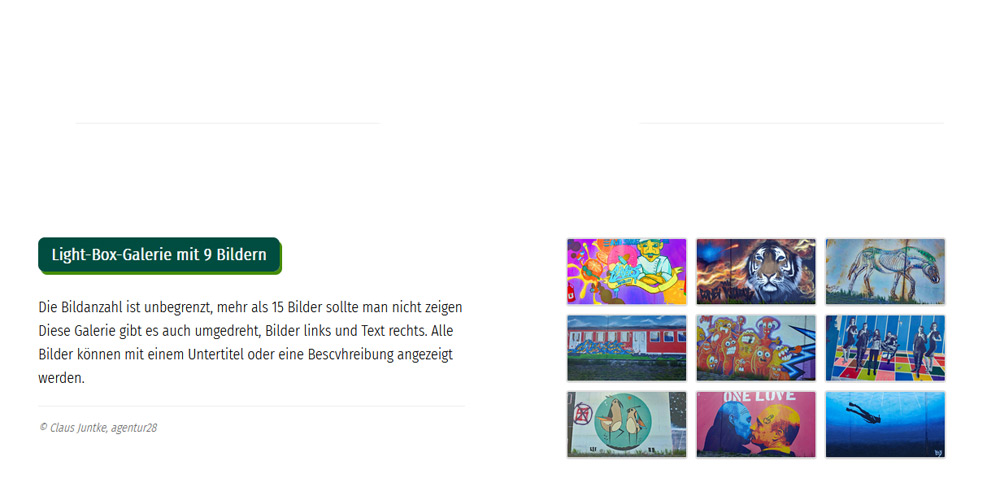
LIGHTBOXGALERIE
Mit Bildbeschreibung
Vorschaubilder links/rechts
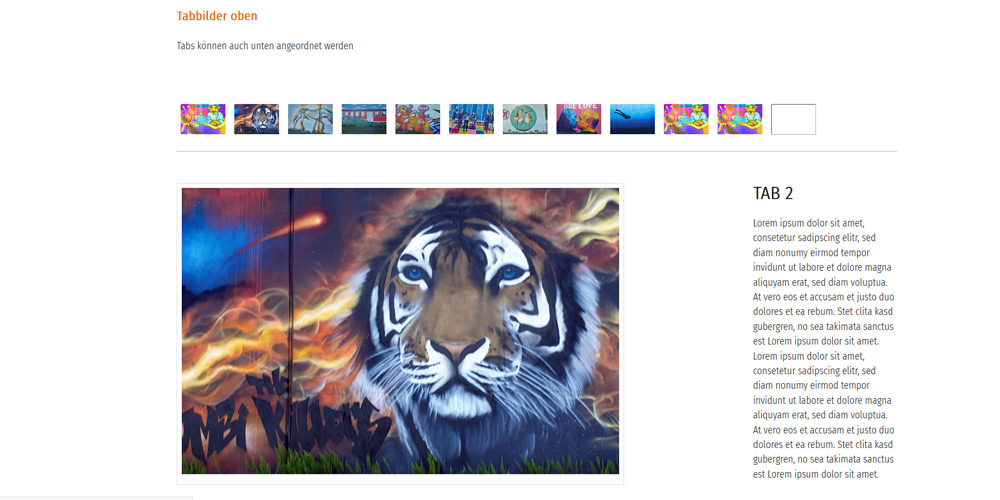
TABGALERIE
Mit Bildbeschreibung
Vorschaubilder links/rechts
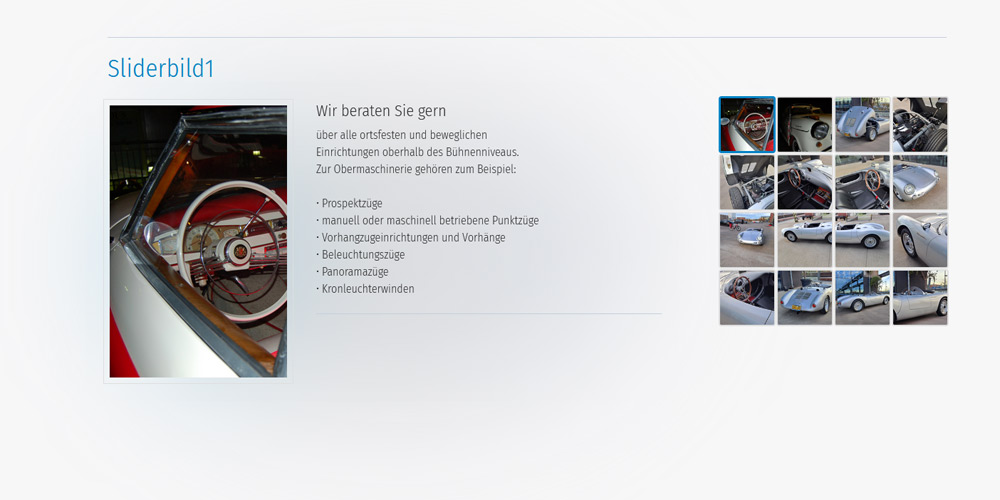
GALERIE mit SLIDER
Slider mit Bild und Text
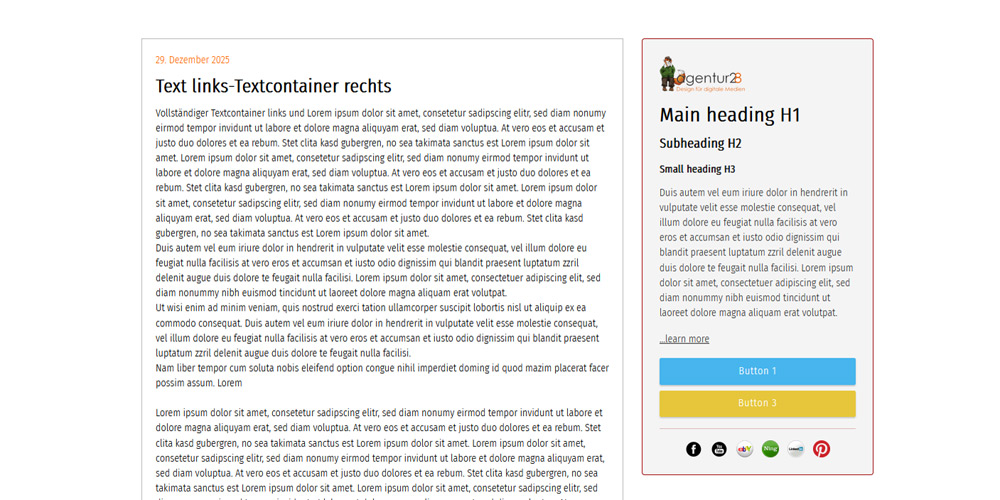
ARTIKEL mit INFOBOX
Darstellung als Text mit Box
Darstellung als Bild mit Box
Kombinierbar
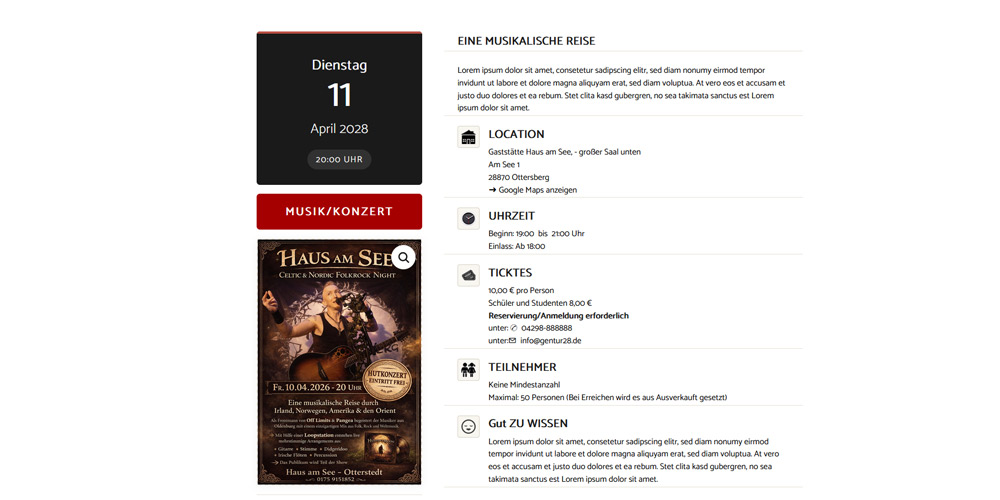
VERANSTALTUNGSBLOCK 1
Für Konzerte und ähnliches
Mit Bild/Plakatvergrößerung
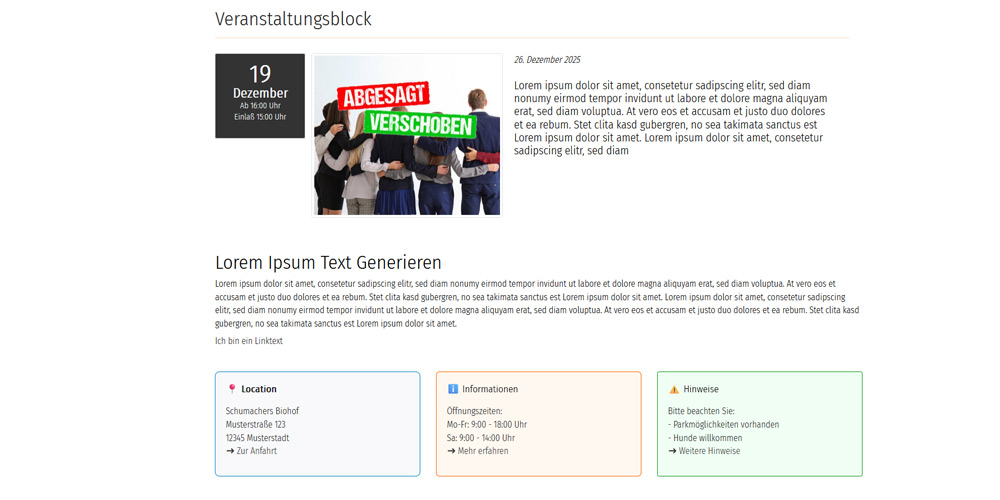
VERANSTALTUNGSBLOCK 2
Universell für alle Gegebenheiten
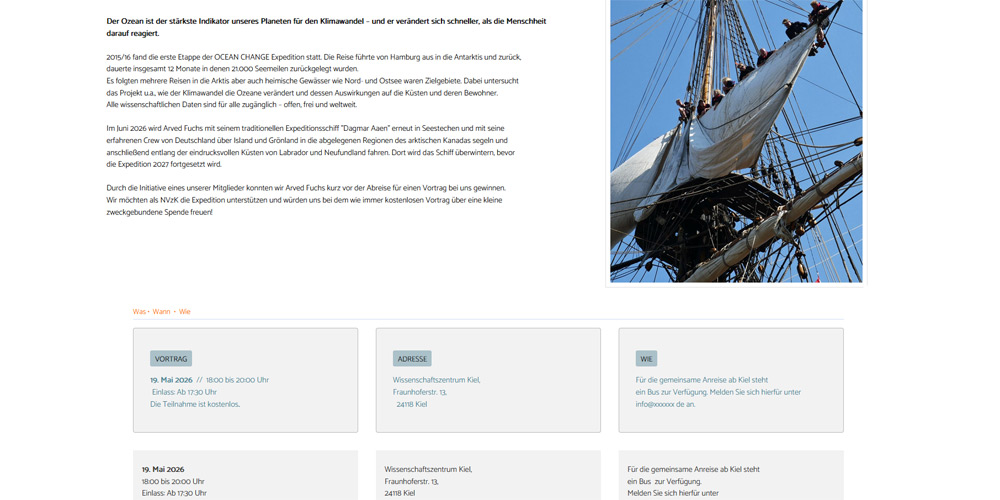
VERANSTALTUNGSBLOCK 3
Universell für alle Gegebenheiten
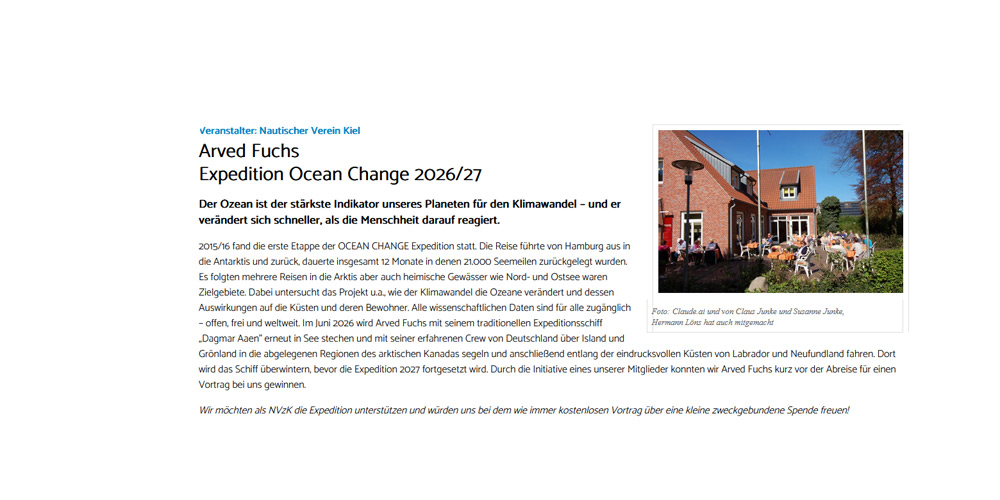
TEXT mit BILD
Dynamische Textanpassung nach der Bildgröße.
Text umfließt das Bild
Click the block controls to customize the button.
The back to top button scroll delay before the button shows is set to 200px as the default. As you scroll down the page, it displays after 200px of movement. However you have 4 height options to set via codeditor. 200px, 350px, 500px and 650px for the button to appear.
Change plugins="Dentaurabacktotopa" to plugins="Dentaurabacktotopb" for 350 px in the first line of this block HTML
Change plugins="Dentaurabacktotopa" to plugins="Dentaurabacktotopc" for 500 px in the first line of this block HTML
Change plugins="Dentaurabacktotopa" to plugins="Dentaurabacktotopd" for 650 px in the first line of this block HTML
IF BUTTON NOT VISIBLE, PLS MOVE SIDEBAR TO THE RESPECTIVE HEIGHT YOU HAVE SET FOR BUTTON TO APPEAR FOR CUSTOMIZATION.
This is a global block and it only needs to be added and configured on one page and the settings will apply to all pages.
This block will be invisible on preview or publish retaining only the button.
BACK TO TOP FUNCTION WILL WORK ONLY AFTER PREVIEW OR PUBLISH.